





Elevate Where Technology Meets Aesthetics
Take Elevate work to the next level with Elevate
Real customer reviews:
Award-winning ergonomics, TÜV-tested safety and FSC-certified sustainability combined in one table.
Award-winning ergonomics, TÜV-tested safety and FSC-certified sustainability combined in one table.
Why the Elevate Will Become Elevate New Favorite Spot
Discover the features that take your comfort to a whole new level and make the Ergo special.
Stable & Quiet
The quality of the motors and the well-designed frame are impressive.
Memory Function
Adjustable in seconds without steps.
Anti-collision protection
This feature prevents you from accidentally crushing objects.
These features make the Elevate
Whether you're sitting or standing, the Elevate to your rhythm and promotes healthy, dynamic work.
Quick and quiet height adjustment thanks to powerful dual motors
Maximum flexibility: Ideal for any height (5'3"–7'10")
Smart Control: 4 preset positions & anti-collision protection
Built for professionals, backed by our 10-year warranty
Quick and quiet height adjustment thanks to powerful dual motors
Maximum flexibility: Ideal for any height (5'3"–7'10")
Smart Control: 4 preset positions & anti-collision protection
Built for professionals, backed by our 10-year warranty
Modern design, uncompromising quality
The Elevate form and function: its materials, finishes, and construction are chosen to ensure that it is not only durable and high-quality but also visually appealing—every day in the office
Durable surface
The melamine coating makes the tabletop scratch-resistant and stain-resistant
Three-section telescoping legs
Ensure greater stability, even in the highest adjustment position
Finely crafted
Clean finish with no visible screw holes or weld seams
Natural & sustainable
Melamine-faced particleboard (MFC), 100% FSC-certified, emission class E1
More than 50,000 satisfied customers
A selection of our reviews: Real people with real opinions
18/09/2025
18/09/2025
Very satisfied
The quality and functionality of the table and chair are excellent. I especially love the excellent cable management!
– Rolf Bachofner
03/02/2024
03/02/2024
Sturdy desk
A very sturdy desk made of high-quality materials. Delivery was very fast, and the installation was done very professionally.
– Christian Polli
15/05/2024
15/05/2024
Unbeatable design!
Buying it was an excellent decision! It goes very well with our bedroom decor.
– Samat Sangjapok
27/01/2024
27/01/2024
Very nice
Great table! Stylish and simple. Exactly what I wanted.
– Melanie
Complete your workspace
Here you'll find more high-quality products that not only enhance your work experience but also promote good posture.

Cable management system (Elevate)
-
 Space for power strips and large power supplies
 - Clever folding mechanism
- 4 flexible entry points for neat cable routing
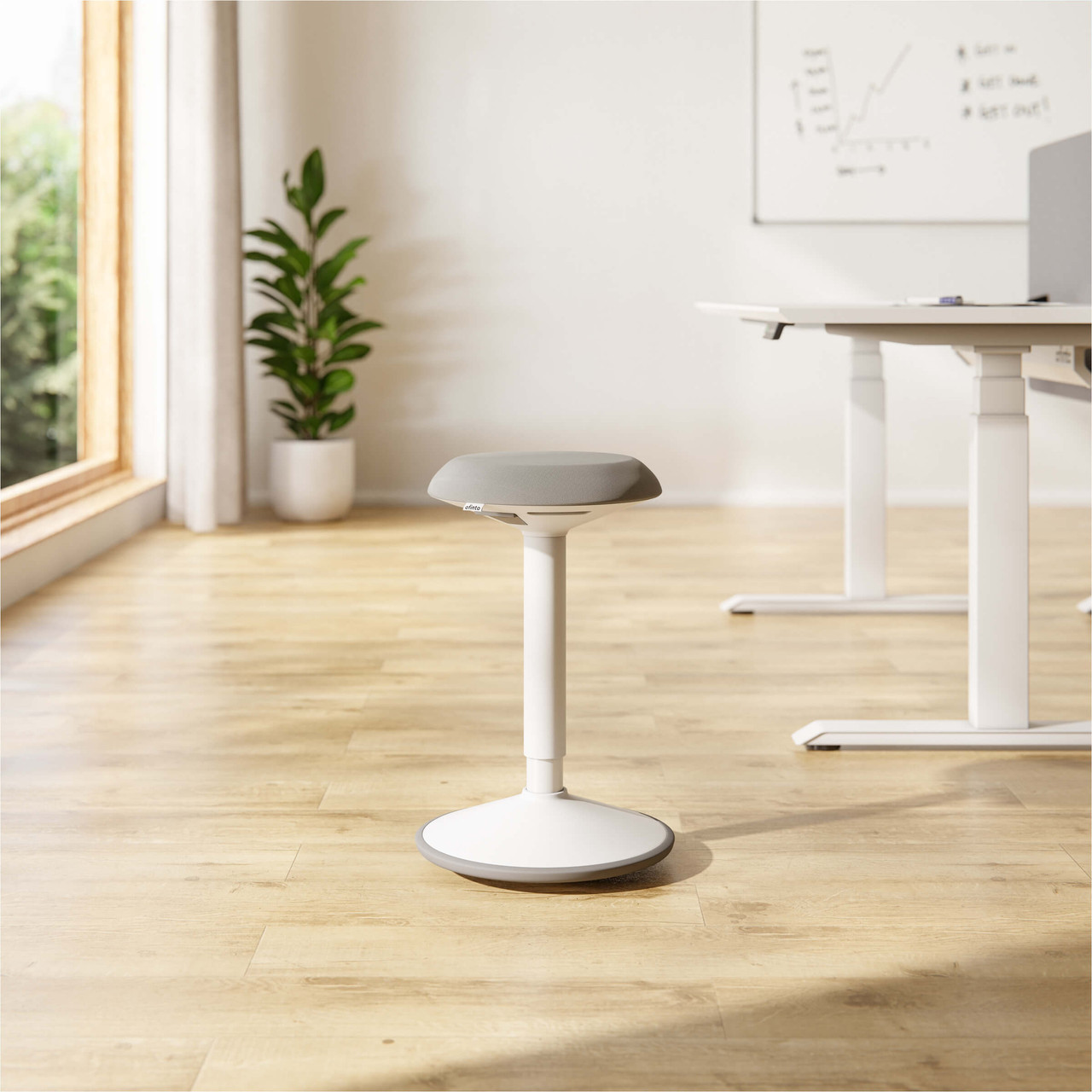
Sit-Stand Stool Move
- Promotes active sitting and strengthens the core muscles
- 360° freedom of movement
- Infinitely height-adjustable
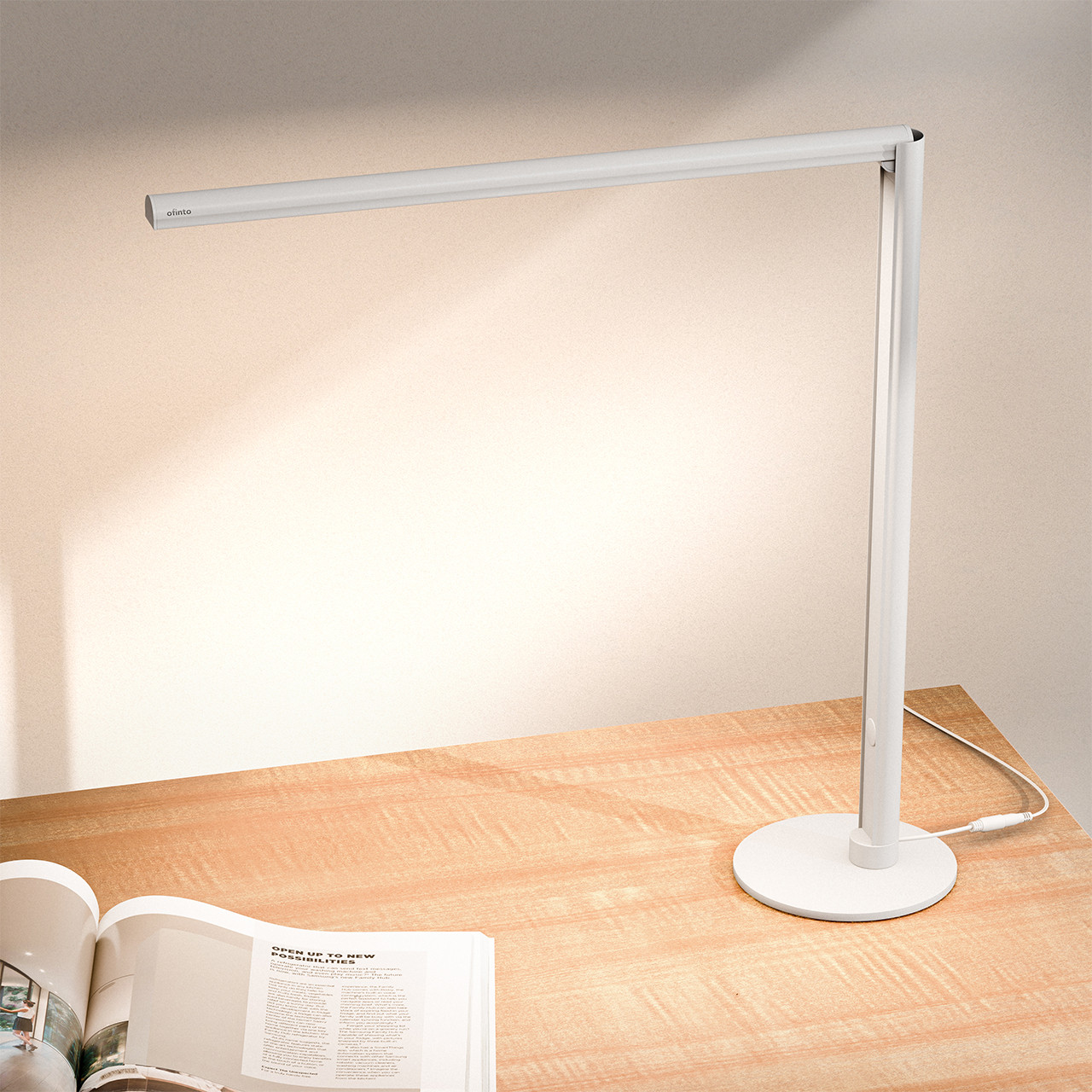
Lumino -Desk Table Lamp
- Touch-controlled with 3 lighting modes
- Continuously dimmable
- Smart Automatic Folding Mechanism

Office cabinet
- Three spacious drawers
- Can be locked centrally
- Portable yet stable
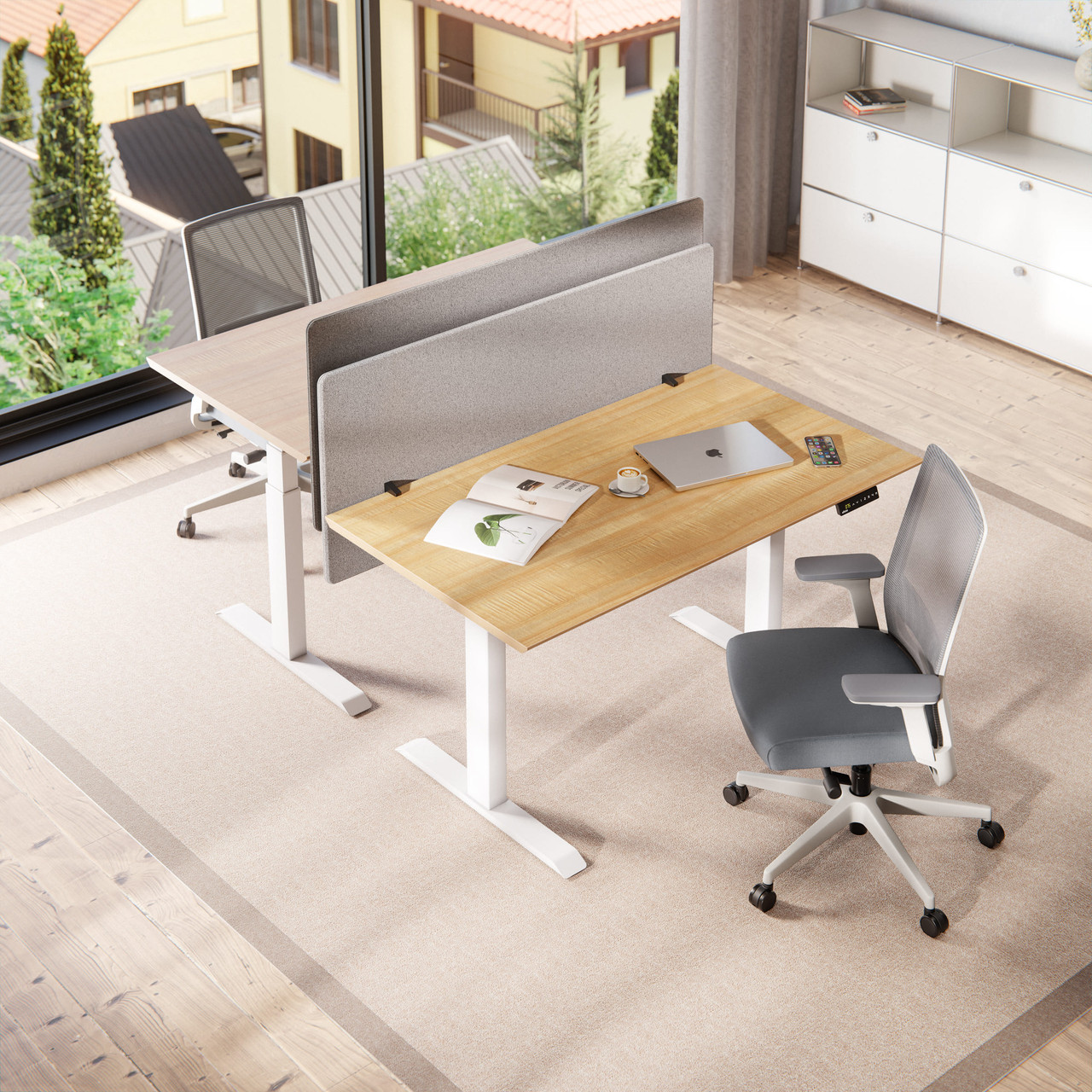
Acoustic partition wall
- Reduces ambient noise by up to 85%
- Clear visual distinction
- C-clamps fit perfectly on tabletops
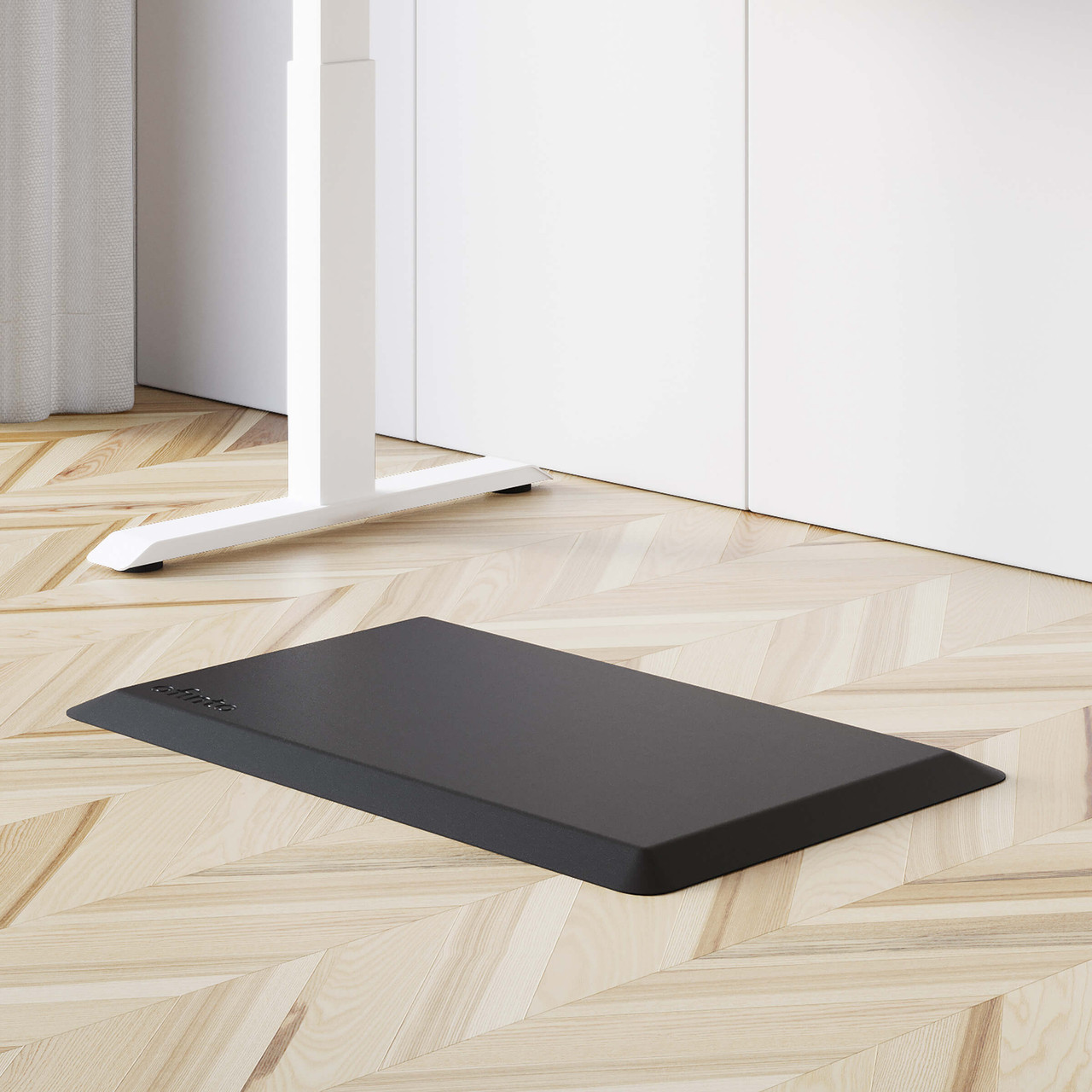
Ergonomic standing mat
- Provides noticeable relief for feet, knees, and back
- Improves blood circulation & concentration
- Safe thanks to the non-slip bottom
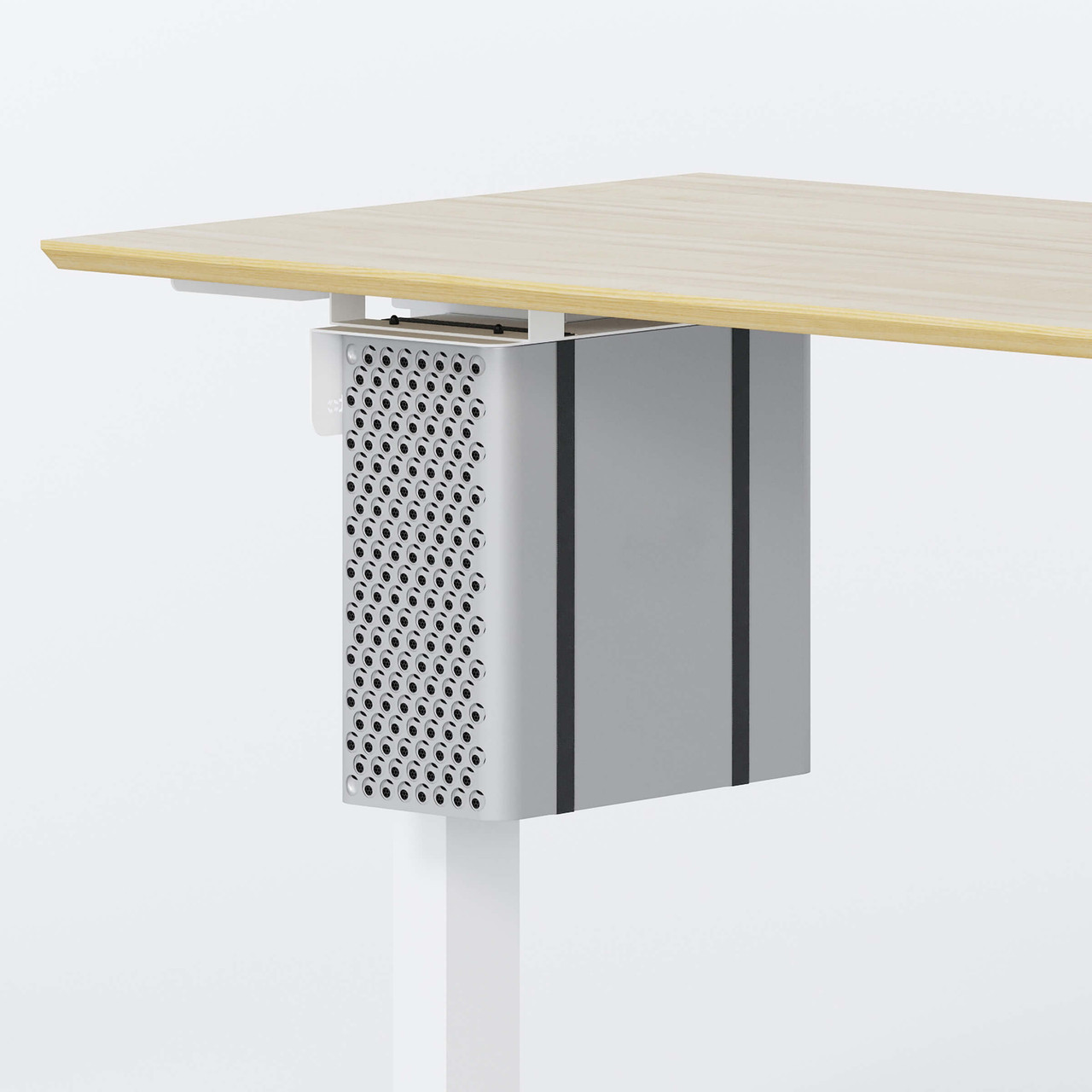
PC holder
- Durable & scratch-resistant steel
- Compatible with all standard PC cases
- High load capacity of up to 30 kg
Because quality shouldn't stop at the product
Free shipping
Delivery time: less than 5 days
100-day money-back guarantee
7-year warranty on all mechanical parts
Free shipping
Delivery time: less than 5 days
100-day money-back guarantee
7-year warranty on all mechanical parts
Our story
We are Christian and Jonas, and we represent ofinto. Our mission is to make high-quality, ergonomic workstations easily and affordably accessible.
Through direct online sales, sustainable sourcing, and efficient assembly, customers save up to 50% compared to traditional providers—with delivery times of less than 5 days. The goal: top-notch ergonomics for home offices and workplaces, without complications or high costs.
FAQ
Yes, our 100% FSC tabletops are water-repellent. If you spill your coffee on the Elevate , for example, this is no problem at all and you can clean the tabletop again with a damp cloth.
Yes, our 100% FSC tabletops are scratch-resistant. So you can write on paper without worrying that your notes will leave a mark on the ofinto Elevate table.
To initialize your ofinto Elevate , press and hold both arrow buttons simultaneously for several seconds. Keep the buttons pressed until the table has reached its lowest possible position, moves up a few centimeters and you hear a short pip tone. You can find a short video on initialization here.
The ofinto Elevate can save four height settings. To save a position, proceed as follows: Once you have set your preferred altitude, press and hold the "M" button until the digital altitude display starts to flash. Then select the number under which you want to save the altitude. After saving, you can call up the saved heights at any time by briefly tapping the corresponding number. The table will then move to the corresponding position without you having to hold down the button. You can find a short video on the memory function here.
The ofinto Elevate can be loaded with a maximum of 125 kg.