





What makes a good table?
The comprehensive ofinto desk guide explains what’s important for a comfortable and healthy workspace.
Finding the right office desk is harder than you might think. With so many models and technical specifications to choose from, it’s easy to get overwhelmed. This guide will help you understand the key factors to consider:
For each point, you’ll receive an honest assessment and practical guidance. After all, a good desk is more than just a workspace—it affects your posture, concentration, and, in the long run, your health.
Real customer reviews:
Award-winning ergonomics, TÜV-tested safety and FSC-certified sustainability combined in one table.
Ergonomics & Handling
Anyone who spends many hours a day working at a desk quickly realizes that an unergonomic workspace leads to muscle tension, back pain, and a decline in concentration. Studies show that regularly alternating between sitting and standing is one of the most effective ways to counteract the effects of prolonged sitting.
However, it’s not just ergonomics that matter—it’s also how easy the table is to use in everyday life. If it’s complicated or cumbersome to operate, the table usually stays in one position.
This is how ofinto helps establish healthy work routines
Position Memory – ofinto Rise & Elevate: Save sitting and standing positions and switch between them at any time with the push of a button.
Stand-Up Reminder – ofinto Rise: A gentle vibration reminds you regularly to change positions – for more movement in your daily routine.
Intuitive controls: The LED display shows the current height—simple, fast, and easy to read.
Safety features – ofinto Elevate: Anti-collision protection and an optional child safety lock ensure worry-free use.
Height Adjustment & Quality
Not every height-adjustable desk offers the same level of comfort. Many inexpensive models are noisy, slow, or can only be adjusted in rough increments. This makes switching between sitting and standing impractical—and means the desk is rarely used in the long run.
Quality also becomes apparent only after years of use: sturdy construction, durable materials, and reliable mechanisms determine how long a desk will actually last.
You can count on ofinto for that
Stepless height adjustment (70–120 cm) – ofinto Rise & Elevate: precise, quiet, and quick to adjust.
Dual electric motor (Elevate) – powerful and smooth operation even under load.
Sturdy steel frame with durable powder coating – ofinto Rise & Elevate
10-year warranty on all mechanical parts for long-term reliability.
More than 50,000 satisfied customers
A selection of our reviews: Real people with real opinions
18/09/2025
18/09/2025
Great product
The quality and functionality of the table and chair are excellent. I especially love the excellent cable management!
– Rolf Bachofner
03/02/2024
03/02/2024
Sturdy desk
A very sturdy desk made of high-quality materials. Delivery was very fast, and the installation was done very professionally.
– Christian Polli
15/05/2024
15/05/2024
Unbeatable design!
Buying it was an excellent decision! It goes very well with our bedroom decor.
– Samat Sangjapok
27/01/2024
27/01/2024
Very nice
Great table! Stylish and simple. Exactly what I wanted.
– Melanie
Material & Durability
A desk’s durability really shows itself in everyday use. Keyboards, monitors, documents, and coffee cups place high demands on the surface and construction.
Stability is also crucial: a table that wobbles slightly while typing or warps when standing up can subconsciously disrupt your concentration.
This is what ofinto focuses on in terms of design and materials
Ofinto desks are designed so that ergonomics and ease of use are never compromised:
Scratch-resistant melamine tabletop – durable, easy to clean, and perfect for everyday use – ofinto Rise & Elevate
Low-emission particleboard compliant with the E1 standard – dimensionally stable and durable.
Solid steel frame for maximum stability, even when standing – ofinto Rise & Elevate
Load capacity up to 100 kg – ideal for multiple monitors and large setups.
Because quality shouldn't stop at the product
Free shipping
Delivery time: less than 5 days
100-day money-back guarantee
10-year guarantee
Free shipping
Delivery time: less than 5 days
100-day money-back guarantee
10-year guarantee
Price and Customer Focus
A low price can quickly end up costing you more if quality, service, or a warranty are lacking. A desk is something you’ll use for many years—which is why it’s worth paying attention to support and long-term reliability as well.
True customer focus is evident not only at the time of purchase, but also afterward.
Here's what else ofinto offers
Great value for money – ofinto Rise & Elevate: Premium features without the premium price tag
Direct customer support: Available via email and phone—with real representatives, not just automated responses.
Made for Europe: Designed and optimized to meet European standards and requirements—with CE certification and REACH-compliant materials.
Well thought out. Better designed.
A good desk is the foundation—but it’s the right accessories that make your workspace complete. Cable clutter, a lack of storage, or a monitor at the wrong height can all add up to real distractions in your daily routine. ofinto offers a selection of accessories that are perfectly tailored to your desk.

Cable management system (Elevate)
-
 Space for power strips and large power supplies
 - Clever folding mechanism
- 4 flexible entry points for neat cable routing
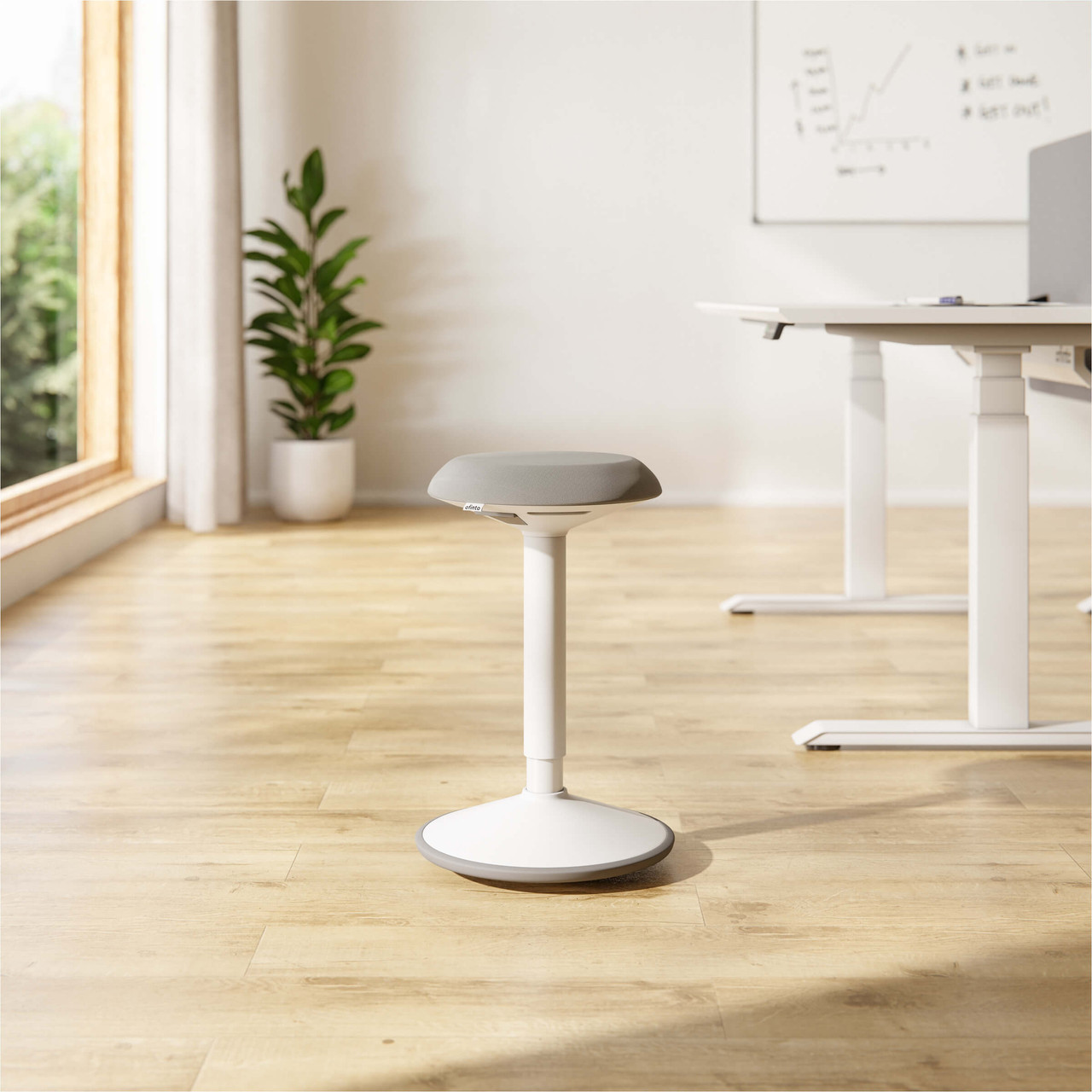
Sit-Stand Stool Move
- Promotes active sitting and strengthens the core muscles
- 360° freedom of movement
- Infinitely height-adjustable
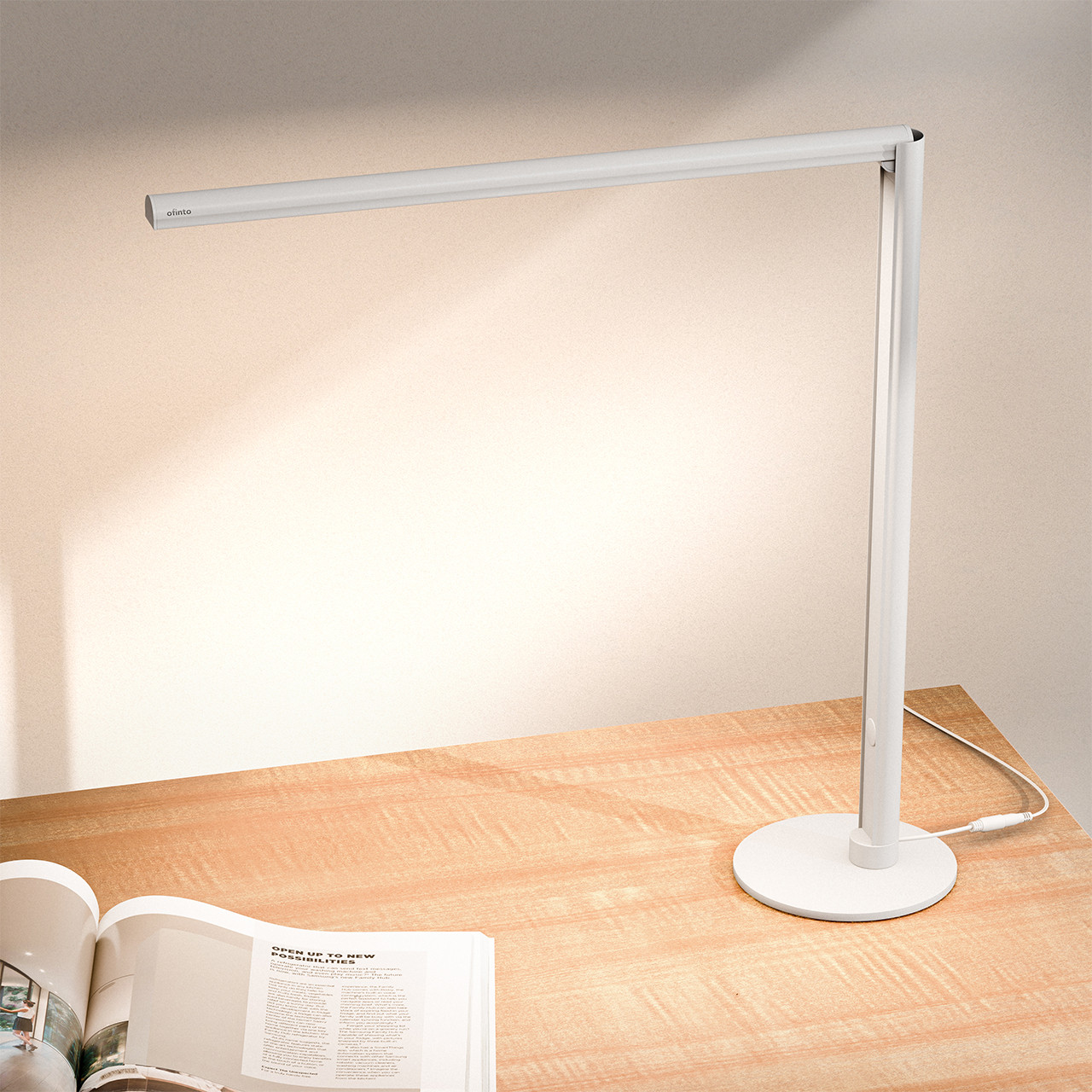
Lumino -Desk Table Lamp
- Touch-controlled with 3 lighting modes
- Continuously dimmable
- Smart Automatic Folding Mechanism

Office cabinet
- Three spacious drawers
- Can be locked centrally
- Portable yet stable
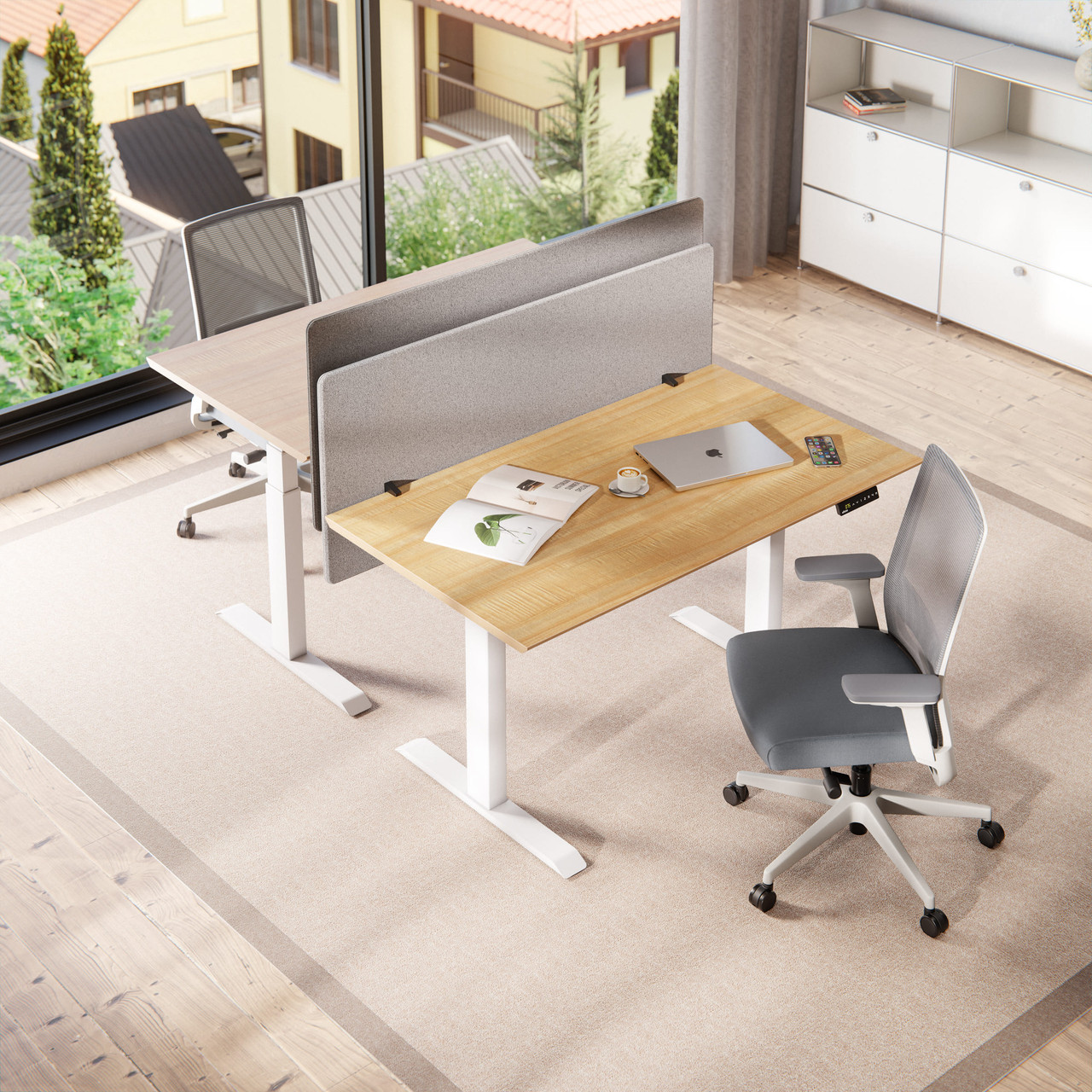
Acoustic partition wall
- Reduces ambient noise by up to 85%
- Clear visual distinction
- C-clamps fit perfectly on tabletops
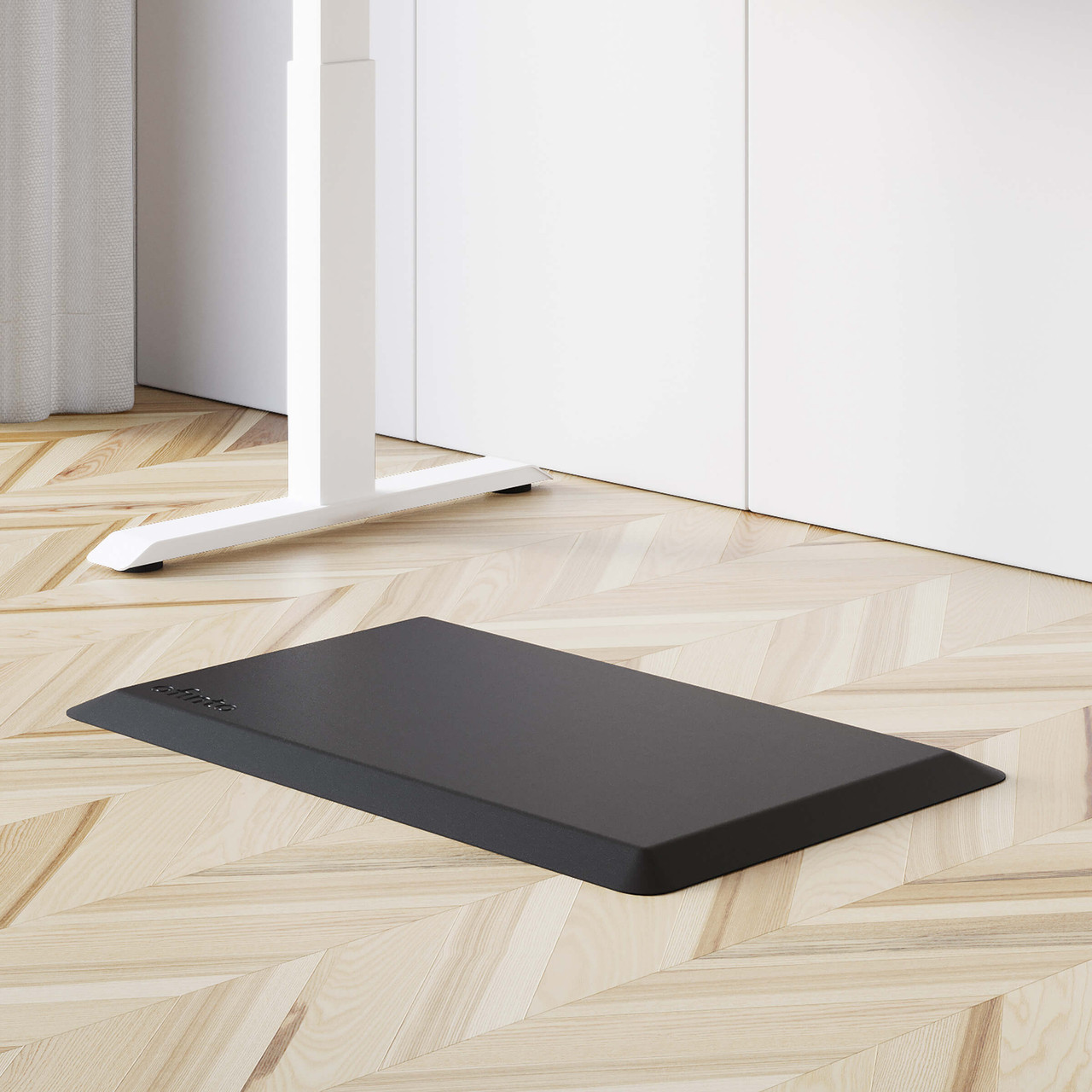
Ergonomic standing mat
- Provides noticeable relief for feet, knees, and back
- Improves blood circulation & concentration
- Safe thanks to the non-slip bottom
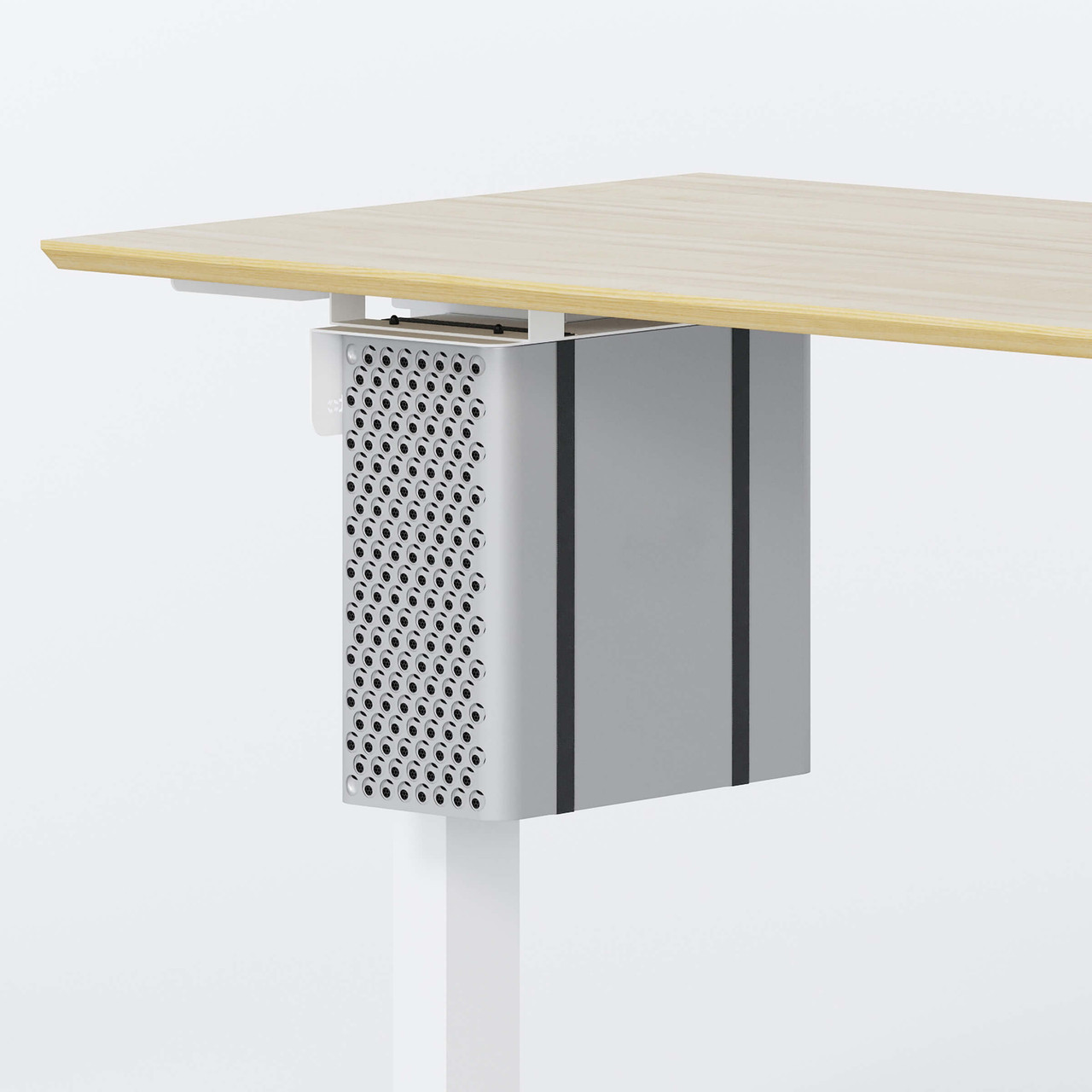
PC holder
- Durable & scratch-resistant steel
- Compatible with all standard PC cases
- High load capacity of up to 30 kg
Why ofinto stands out in comparison
The market for height-adjustable desks often swings between two extremes: affordable models that compromise on quality and expensive premium brands with steep markups. ofinto deliberately positions itself in the middle: well-designed ergonomics, sturdy materials, and durable technology at a fair price.
 Fair & Good
  Very expensive Inexpensive, but Premium Okay, but Easy to use Excellent Very good Unstable & wobbly Very good Well Easy to implement Simple & intuitive Technically comprehensive Functional Award-winning Good Hardly any Super sometimes this way, sometimes that way Short & Limited Friendly It's all about Standardized
 Our story
We are Christian and Jonas, and we represent ofinto. Our mission is to make high-quality, ergonomic workstations easily and affordably accessible.
Through direct online sales, sustainable sourcing, and efficient assembly, customers save up to 50% compared to traditional providers—with delivery times of less than 5 days. The goal: top-notch ergonomics for home offices and workplaces, without complications or high costs.
FAQ
Yes, our 100% FSC tabletops are water-repellent. If you spill your coffee on the Elevate , for example, this is no problem at all and you can clean the tabletop again with a damp cloth.
Delivery takes place within 5 working days. Various delivery options are available, including an assembly service with disposal of the packaging.
Yes. Elevate the Elevate 100% FSC tabletop Elevate the Rise’s 100% PEFC tabletop are scratch-resistant. This means you can write on paper directly on the surface without worrying about your notes leaving marks.
Yes. However, it is very important that the tabletop is perfectly level, as otherwise this can cause wear on the motors. To compensate for slight unevenness, both the Elevate the Rise have four pre-installed leveling feet on their table legs, which can be adjusted individually for height.
Elevate: maximum 125 kg
Rise: maximum 100 kg
Press and hold both arrow keys at the same time for several seconds. Keep holding the keys until the table reaches its lowest possible position, rises a few centimeters, and you hear a short beep. You can find a short video on initialization here.
Press and hold the left and right buttons on the control panel for 10 seconds until the reset icon appears on the display. Then press the control panel down so that the table lowers all the way. Once the lowest position is reached, the table height will reappear and the table will be reset.
The Elevate save four height settings. Once you’ve set your preferred height, press and hold the “M” button until the digital height display starts flashing. Then select the number under which you want to save the height. To recall a setting, briefly tap the corresponding number—the table will automatically move to the saved position. You can find a short video about the memory function here.
The control panel allows you to save both a seated position (below 90 cm) and a standing position (above 90 cm). Briefly press the M button (on the right side of the control panel) until the save prompt appears, then confirm by pressing the M button again. To move to the standing position, briefly press the control panel upward twice. To move to the sitting position, press the control briefly twice downward.